
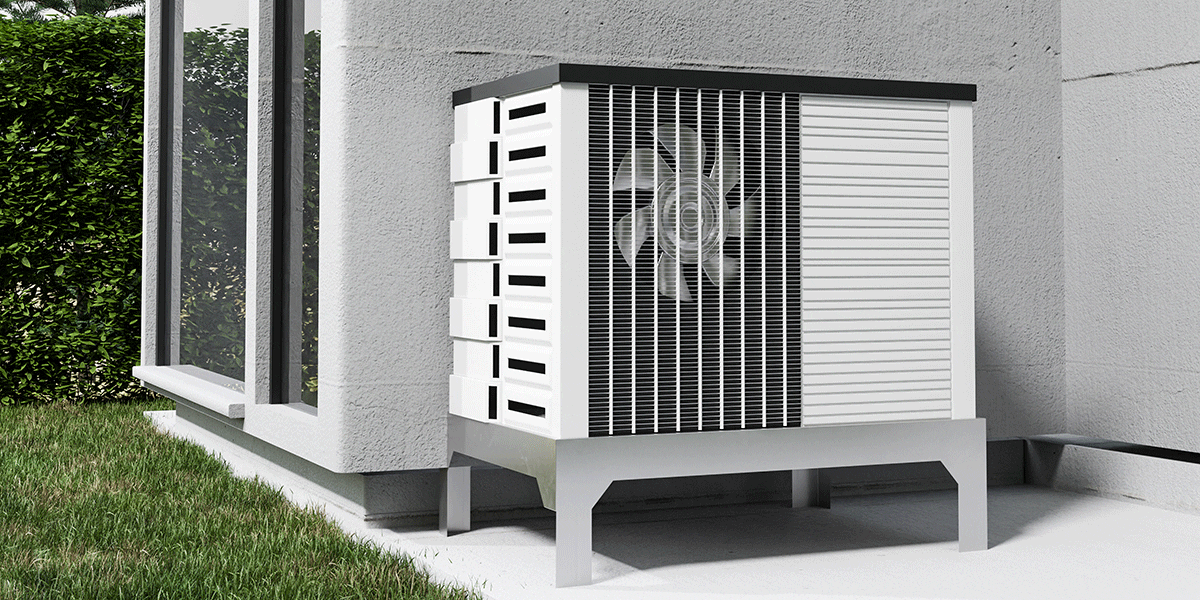
If you recently installed a heat pump, you might still need to learn all the settings and features it offers. If you see your heat pump running on auxiliary heat mode, you might wonder why it’s using this setting. Experts in HVAC in Tallahassee, FL, can explain the auxiliary heat mode on this device and how it affects the heat pump’s efficiency.
How a Heat Pump’s Auxiliary Heat Setting Works
When the thermostat shows the heat pump is in auxiliary, or AUX, mode, it means a backup heating system is operating. If the home needs extra heat because of extremely cold outdoor weather, the backup source may start running.
Not all heat pump installations have an auxiliary heat system. People in Florida might not have an AUX heat system installed because temperatures aren’t consistently low enough in the winter. Auxiliary heat sources are more likely to be installed in areas where temperatures are frequently below freezing in winter.
Electric resistance heat strips or a gas-powered furnace remain the most common types of backup heat systems installed alongside a heat pump.
What the AUX Heat Setting on the Thermostat Means
When a heat pump is running on auxiliary heat, you should see a setting on the thermostat screen including:
- Aux Heat
- AUX
- Auxiliary
You should not have to activate thermostat settings yourself. The heat pump software should determine when AUX heat is necessary and automatically activate it. The display on the thermostat screen simply notifies you which mode is running.
Situations When Auxiliary Heat Normally Operates
Auxiliary heat mode should automatically run and aid your heat pump in a few specific situations. If you notice the AUX setting appearing on the thermostat screen during these situations, it simply means the system is operating as expected.
Outdoor Temperatures Approach Freezing
When the outdoor temperature drops close to the freezing mark, auxiliary heat may automatically begin running. The installer usually sets auxiliary heat to turn on when outdoor temperatures are between 35 and 40 degrees Fahrenheit.
Because heat pumps don’t run as efficiently when outdoor temperatures are low, it doesn’t cost that much more to run auxiliary heat in these situations.
You Adjust the Thermostat Setting Upward
When you raise the thermostat’s temperature setting by three or more degrees at once, AUX heat mode should start. Auxiliary mode helps raise the temperature in the home faster than the heat pump can do on its own, helping it reach your desired temperature setting.
When the Heat Pump Enters Defrost Mode
As heat pumps operate during cold, humid weather, ice and frost may build up on the coils on the outdoor unit. Even if the outdoor temperature is above freezing, frost and ice might appear and inhibit the efficiency of the heat pump. The system occasionally enters defrost mode to melt the coating on the coils and help the machine return to efficient performance.
While in defrost mode, the heat pump cannot generate heat. By automatically entering auxiliary mode, the backup system heats the home while the heat pump defrosts the coils.
When You Should Worry About the Auxiliary Heat’s Performance
Homeowners should worry when the heat pump is running on auxiliary heat more often than expected. This usually indicates a problem with the system that may need repairs. Sometimes, a simple problem with the thermostat may be the cause of the AUX mode running more often than expected.
You should also be concerned if AUX mode doesn’t begin operating when expected. If you increase the temperature setting on the thermostat by several degrees and the auxiliary mode doesn’t begin running as it should, you may have a problem with it that requires repair.
Troubleshooting Issues With AUX Heat Operation
If you believe the auxiliary heat mode runs more often than it should, inspect the coils on the outdoor unit. If they appear covered in frost 30 minutes or more after the system entered defrost mode, the heat pump may need repair. The defrost mode is probably not working properly.
When AUX mode seems to be running too long, try adjusting the temperature setting on the thermostat downward several degrees. This action should cause AUX mode to turn off. If it remains running, call for repairs.
Occasionally, auxiliary heat might not run properly because of an installation issue related to the thermostat. Understanding the terminal letters on the thermostat can help you check whether the wiring is accurately connected. If you’re unsure whether you have wiring issues with the thermostat, call an HVAC repair team for help. The repair experts can determine if improper wiring is causing the heat pump to run on auxiliary heat mode for too long.
When auxiliary heat mode runs continuously, the heat pump might be broken. If the heat pump’s heating system stops working, auxiliary heat mode will continue running, even with rising temperatures outdoors.
How the Heat Pump’s Auxiliary Heat Differs From Emergency Heat
Auxiliary heat mode serves as a temporary heating system designed for occasional use to boost the heat pump when cold weather occurs. Some heat pumps also include an emergency heat mode, often displayed as “EM Heat” on the thermostat screen. The emergency heat system uses the same components as the auxiliary heat system.
You can turn on the emergency heat setting yourself. It’s designed to work as a source of heat when temperatures are extremely low or when the heat pump stops working. Running emergency heat is not as energy efficient as using the heat pump, though.
Rely on Cooper’s Plumbing & Air for Heat Pump Installation, Repair, and Maintenance Needs
If your heat pump is running in auxiliary mode, it doesn’t necessarily mean the heat pump is bad or needs repairs. Instead, this is a temporary mode that devices enter during normal operation when certain conditions are present. However, if the thermostat setting displays auxiliary heat mode constantly, you might need repairs.
Trust the experts at Cooper’s Plumbing & Air for all your heat pump requirements. We’re happy to answer questions or perform maintenance whenever needed. To learn more, call our experts today at (866) 464-7132.